Table of Contents
ToggleDisaster Recovery for Churches: Preparing for Fire, Flood, and Ransomware
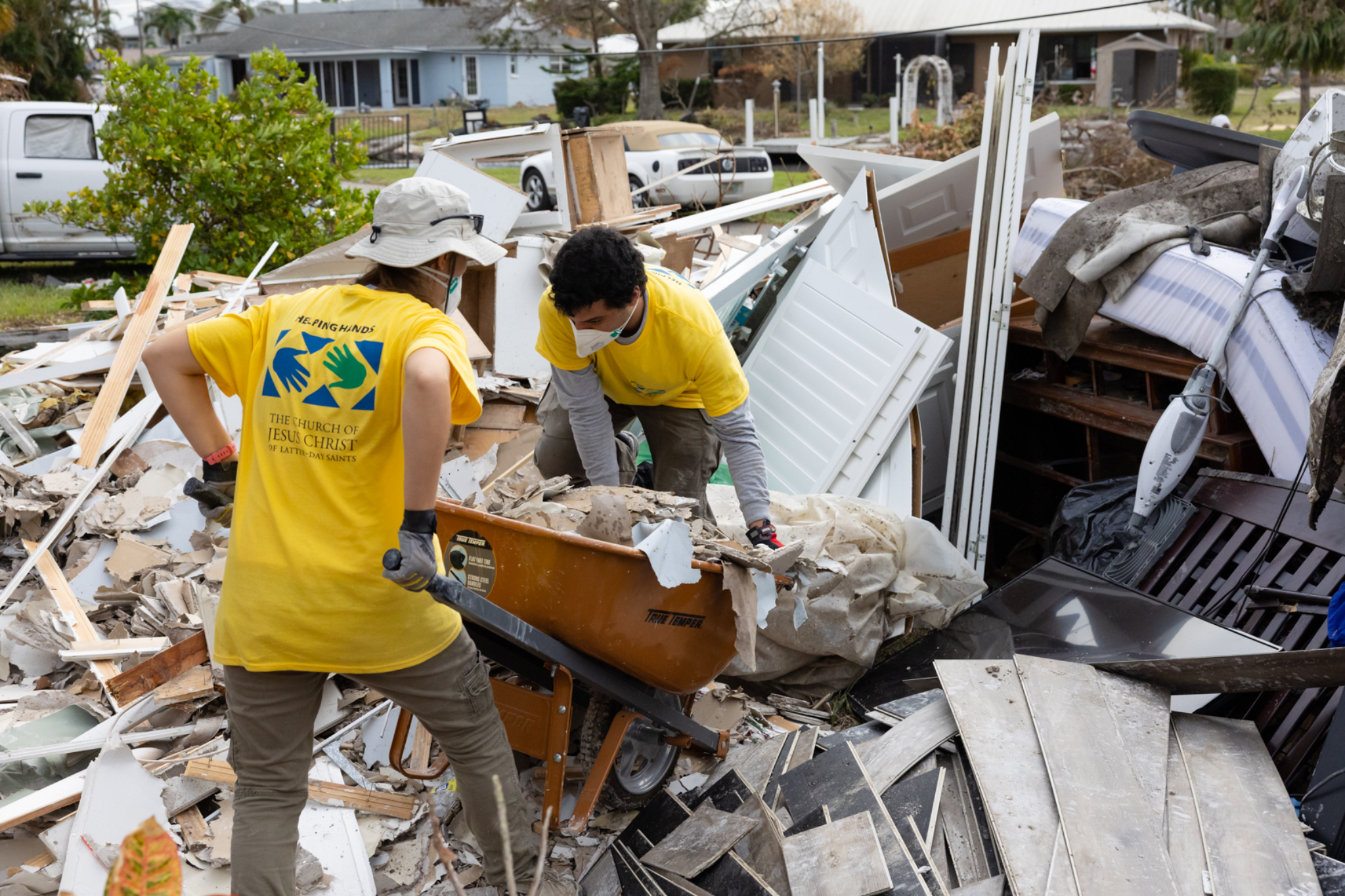
When churches think about disaster recovery, cybersecurity usually comes to mind first. But natural disasters — fires, floods, severe storms — can be just as devastating, if not more so.
Too often, churches depend on a single volunteer or part-time IT staff member. That may work during normal operations, but when disaster strikes, limited planning can leave the church vulnerable.
True disaster recovery isn’t just about having backups in case of a ransomware attack. It’s about ensuring your ministry can continue — even if your building, servers, or equipment are destroyed.
Why Backups Alone Aren’t Enough
Many churches rely on local backups stored on an onsite server. That protects against accidental deletion or basic data corruption.
But what happens if a fire destroys the building?
Or a flood damages every piece of hardware inside?
Insurance can replace computers and servers.
It cannot replace lost donation records, membership data, financial reports, or historical archives if backups were destroyed alongside them.
A comprehensive disaster recovery strategy ensures that your church can recover both physically and digitally.
Step 1: Build a Disaster Recovery Strategy
Every church is different. Your disaster recovery plan should reflect:
-
The size of your congregation
-
The amount of data generated daily
-
Whether you use cloud systems
-
Your current IT infrastructure
-
Your budget
Professional disaster recovery specialists typically begin with a full audit of your environment. This includes identifying:
-
Servers (onsite and cloud-based)
-
Financial and donation systems
-
Church management software
-
Email and communication platforms
-
Backup systems
From there, a risk assessment identifies vulnerabilities and determines what must be protected.
What a Complete Plan Should Include
A strong disaster recovery plan includes a detailed response playbook.
For example:
In a Cyber Incident:
-
Isolate infected systems
-
Contain threats
-
Preserve evidence
-
Notify stakeholders
-
Restore clean backups
In a Natural Disaster:
-
Identify emergency contacts
-
Activate alternate work locations
-
Restore systems from offsite or cloud backups
-
Coordinate rebuilding efforts
Some churches invest in:
-
Cold sites (basic recovery locations)
-
Warm sites (partially operational backup environments)
-
Cloud replication environments
Cloud infrastructure is especially valuable because it remains accessible even if your physical location is not.
Step 2: Conduct a Business Impact Analysis
Not all assets are equal.
If a printer fails, operations continue with minimal disruption.
If your church management system goes offline, the impact could be significant.
A business impact analysis helps you prioritize:
-
Which systems must be restored first
-
How long you can function without each system
-
The financial and operational consequences of downtime
In severe cases — such as major fire or flooding — recovery can take months. During that time, churches may need temporary locations while digital systems are restored remotely.
Your Business Impact Plan Should Define:
-
Critical digital and physical assets
-
Priority order for restoration
-
Acceptable data loss limits
-
Acceptable downtime limits
-
Responsible decision-makers
-
Communication protocols
This structured approach prevents chaos during crisis.
Step 3: Define RTO and RPO
Two key disaster recovery metrics guide your plan:
Recovery Time Objective (RTO)
How long can your church operate without a system before serious disruption occurs?
For some churches, manual processes may work for a few days. Others rely heavily on digital systems and require faster restoration.
Recovery Point Objective (RPO)
How much data can you afford to lose?
If you back up once daily, you risk losing up to 24 hours of data.
Some churches require multiple daily backups to meet compliance or operational standards.
Professionals determine RTO and RPO by:
-
Identifying where critical data lives
-
Measuring operational dependence on each system
-
Calculating tolerable downtime
-
Calculating tolerable data loss
These metrics shape your backup frequency and recovery strategy.
Planning for Physical and Digital Recovery
Natural disasters often impact both infrastructure and technology.
A comprehensive plan accounts for:
-
Temporary worship or office locations
-
Remote access to cloud systems
-
Replacement hardware logistics
-
Communication with congregants
-
Insurance coordination
The goal is simple: ensure ministry continuity — even during rebuilding.
Why Churches Should Seek Professional Support
Disaster recovery planning is complex. It requires technical expertise, structured documentation, and ongoing maintenance.
An experienced managed service provider can:
-
Perform full risk assessments
-
Design secure offsite or cloud backup systems
-
Establish recovery timelines
-
Conduct testing simulations
-
Ensure compliance with best practices
Most importantly, they help reduce both downtime and long-term data loss.
Final Thoughts
Disaster recovery isn’t about expecting the worst — it’s about protecting what matters most.
Whether facing ransomware, fire, or flood, churches that prepare in advance recover faster, protect their data, and continue serving their communities with minimal disruption.
The question isn’t whether a disaster will happen.
It’s whether your church will be ready when it does.